
Shared links
Everything shared out of your workspace, in one place, with a revoke button.
Settings → Shared links lists what has been shared out of your workspace and lets you revoke any of it.
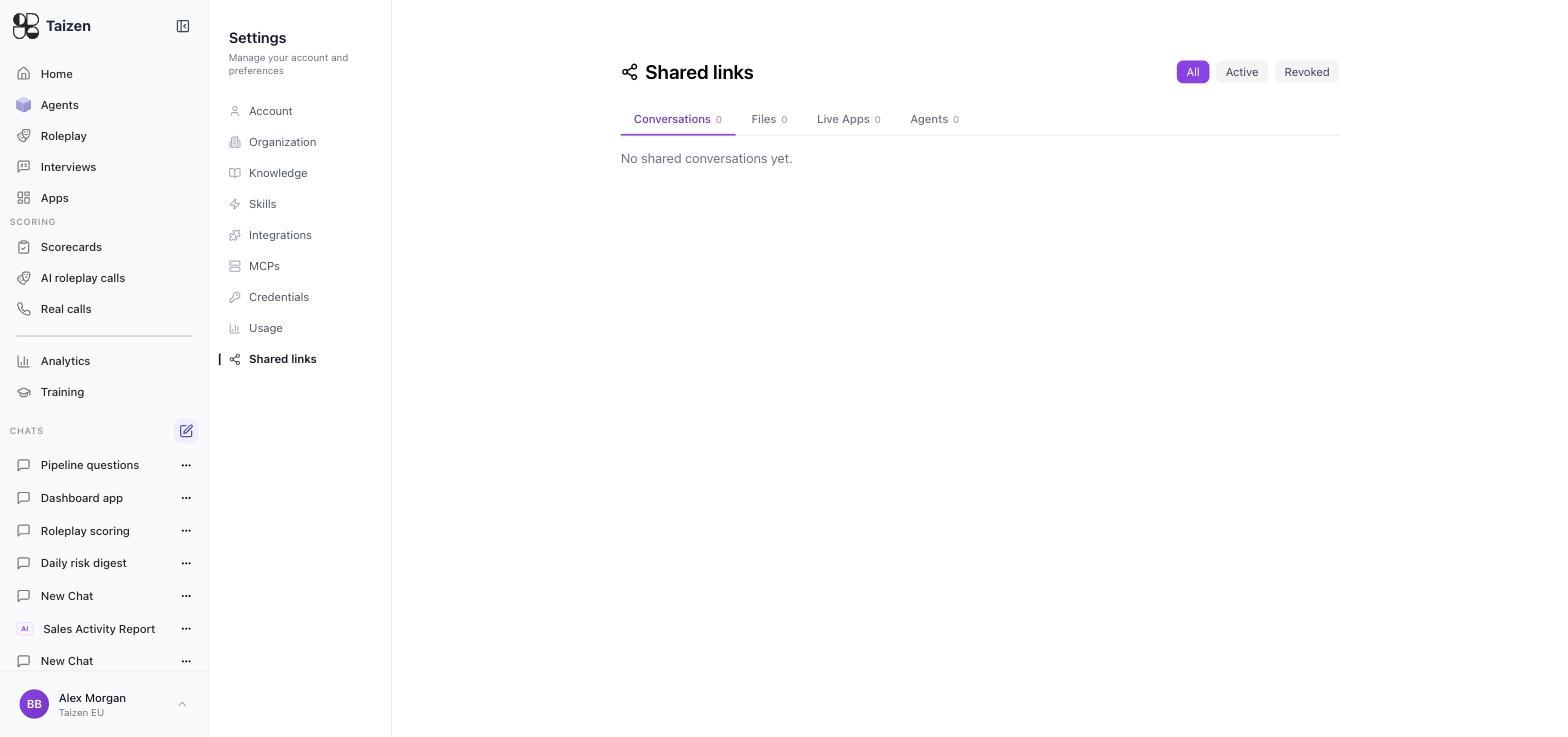
What ends up here
Four tabs, each with All / Active / Revoked filters:
- Conversations — chat threads shared with someone
- Files — documents and artifacts produced by agents
- Live Apps — dashboards, reports and customer-facing pages (publish and share)
- Agents — an agent shared for someone else to use
Roleplay sessions and interviews carry their own share controls on the session or interview itself — an interview page, for example, has Disable link right in its header.
Why this page matters
Two properties make shared links worth auditing rather than forgetting:
- A live app link keeps showing current data. Sharing it is closer to granting a standing subscription than to sending a PDF. When the underlying data changes, so does what the holder of the link sees.
- Links outlive the reason they were created. The engagement ends, the evaluation finishes, the person changes jobs — the link doesn't notice.
A short review routine
Monthly, or whenever someone leaves:
- Anything external that's still live? Revoke links from finished engagements.
- Anything with deal data on it? A pipeline dashboard carries deal names, amounts and owners. Confirm the audience is still right.
- Anything a departed member created? Revoke or reassign (offboarding).
- Any rep's failing session shared beyond their management line? Revoke it. That's the fastest way to lose a team's trust in roleplay.
Before you share
Three questions, ten seconds:
- Whose data is on it? Customers', reps', or both.
- Does it keep updating? If you want a snapshot, have the agent produce a file instead — files don't change after the run (delivery).
- When should this stop working? Decide now, and revoke then.
Sharing a rep's session outside their management line without asking is the single most reliable way to make a team stop using roleplay honestly. Ask first.
Revoking
Revoke from this screen. The link stops working immediately; the underlying session, app or file is untouched and stays in your workspace.