
Run a session
What a live voice roleplay is like, how to set up your audio, and what to do when it breaks.
A session is a live voice conversation. You talk, the buyer talks back, and either of you can interrupt.
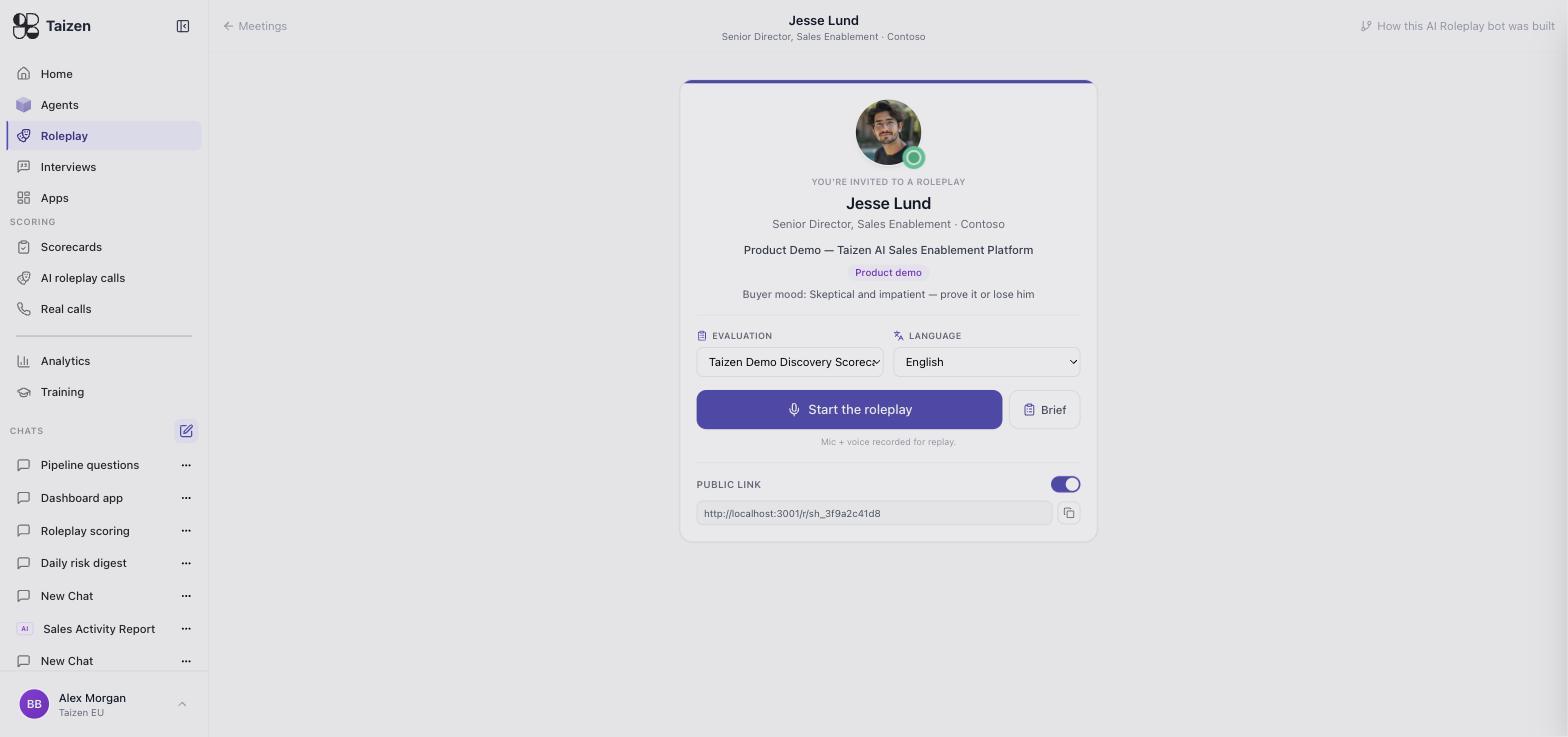
Before it starts you get a lobby: the buyer's name, title and company, the scenario, the buyer's mood ("Skeptical and impatient — prove it or lose him"), the evaluation scorecard it will be scored against, the language, and a Brief button. There's also a public link you can toggle on to hand the same roleplay to someone without an account. Mic and voice are recorded for replay.
Before you start
Use a headset
Laptop speakers plus a laptop mic means the buyer's voice feeds back into your mic. A wired headset is the single biggest quality difference.
Allow microphone access
Your browser will ask. If you dismissed it earlier, re-enable Taizen's microphone permission in the browser's site settings and reload.
Pick somewhere you can talk out loud
Reps who whisper because they're in an open-plan office get scored on a performance they didn't give.
During the session
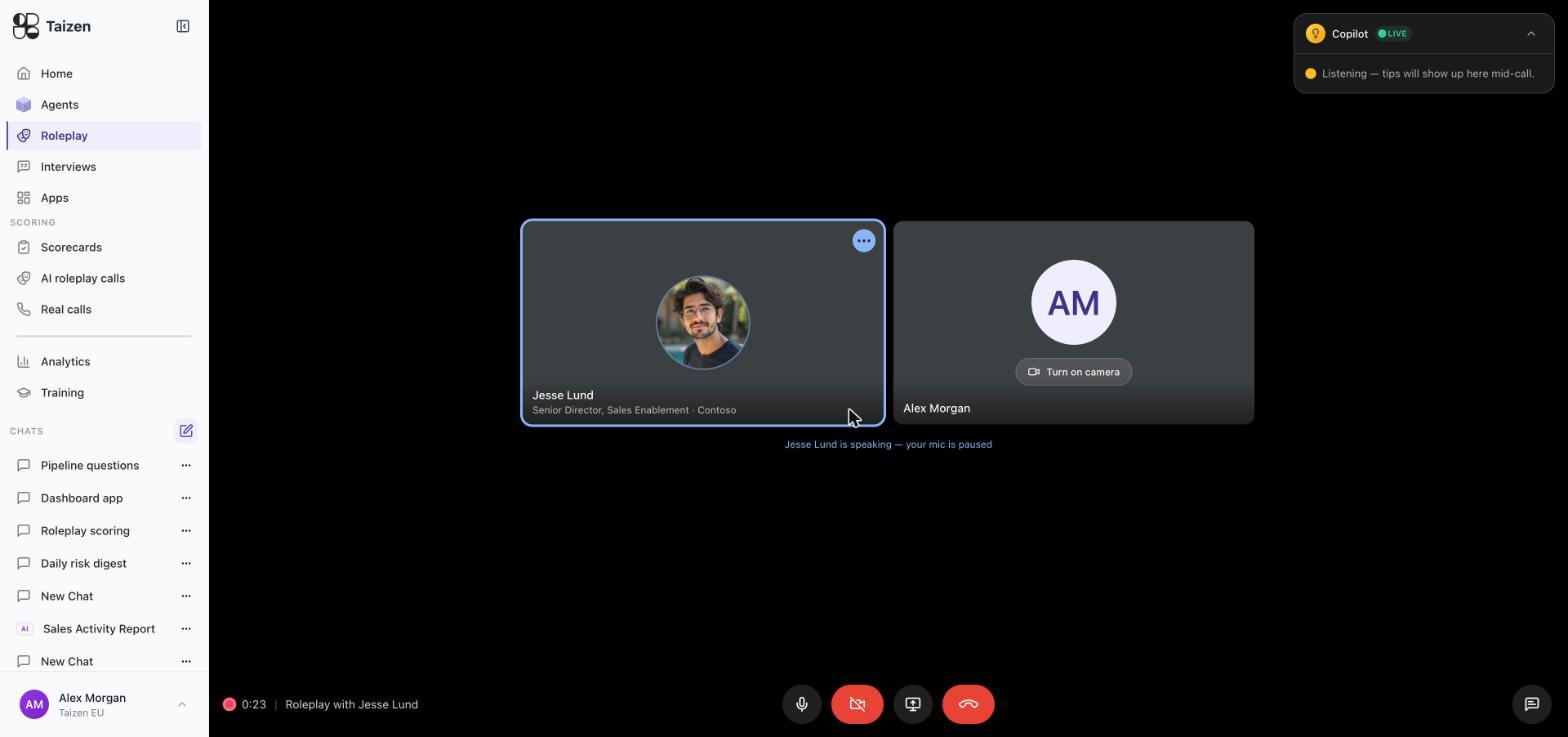
The session runs like a video call: a tile for the buyer, a tile for you (camera optional), a running timer, and controls for mic, camera, screen share and hanging up. A Copilot panel sits top-right and surfaces tips mid-call. Your mic pauses automatically while the buyer is speaking — the status line tells you whose turn it is.
- Open like you would with a real buyer. The bot responds to how you start; a rushed opener produces a defensive buyer.
- Share your screen if the scenario is a demo. Screen share is recorded and shows up in the session replay.
- Expect interruptions. The buyer talks over you and changes the subject. Handling that is part of what's scored.
- Expect them to go off script. They'll ask something the persona would plausibly ask, not something from a list.
- Multi-stakeholder rooms disagree with each other. Don't let the friendly one carry the call — the sceptic is the one you have to win (meetings).
- Say the numbers out loud. If pricing is grounded in your document stores, the buyer will hold you to your real prices.
Sessions can be short. A five-minute focused exchange on one objection is more useful than a meandering thirty-minute call, and the scoring reflects what happened rather than how long it lasted.
Sharing your screen
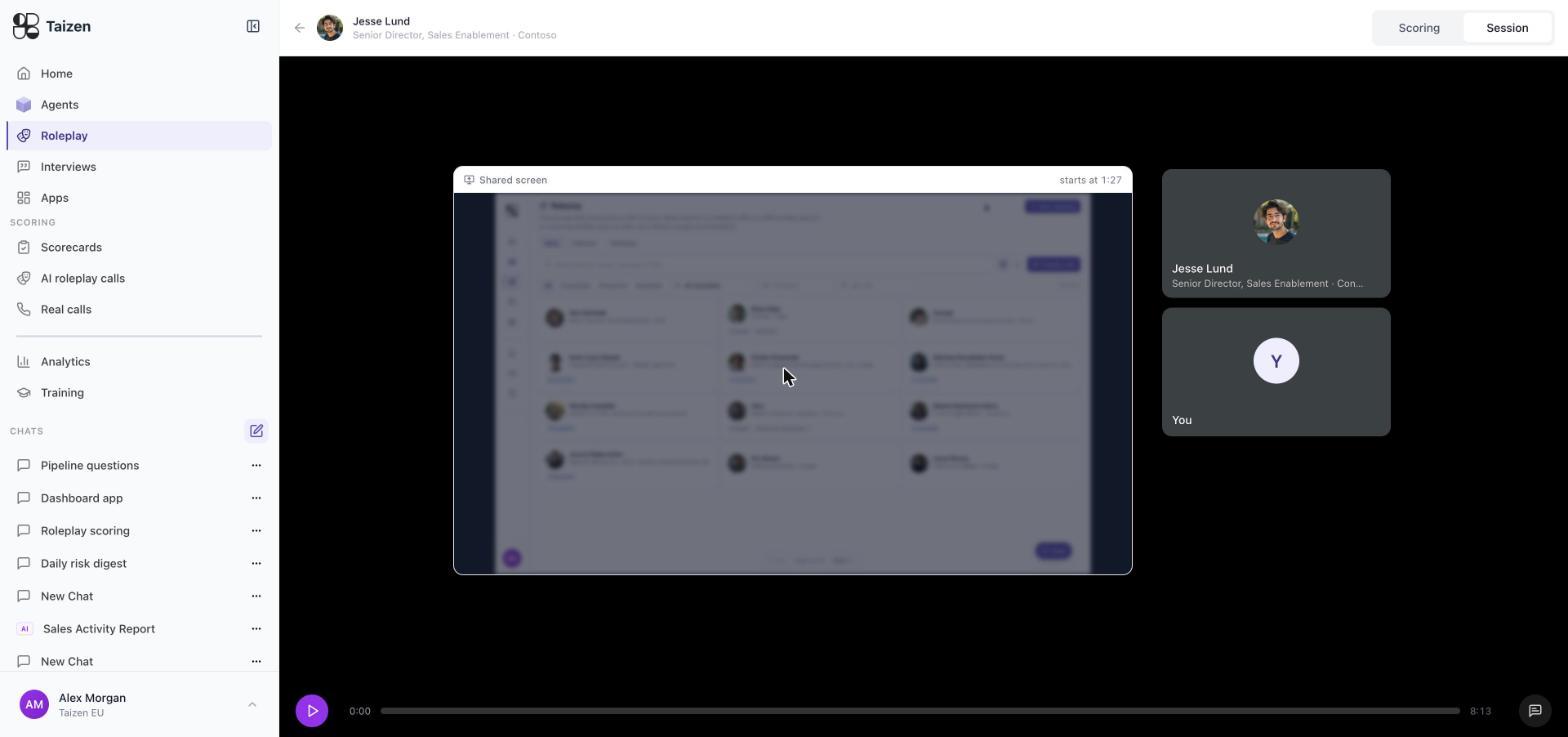
If the scenario is a demo, share your screen and demo for real — the share button sits in the call controls next to mic and camera. Anything you share is recorded with the session, and shows up in the replay as its own panel alongside the buyer and rep tiles, timestamped from the moment sharing began:
Why it's worth doing rather than talking through a demo:
- The buyer reacts to what's on screen. A demo narrated in the abstract is a different conversation from one where the buyer can see the thing.
- Your reviewer sees what the buyer saw. Reading "the demo wasn't tailored" in a score is one thing; watching which screen the rep opened first is another.
- It rehearses the mechanics. Finding the right tab, resizing a window, recovering from the wrong screen — all of it goes wrong in real demos, and none of it gets better by being avoided.
Ending it
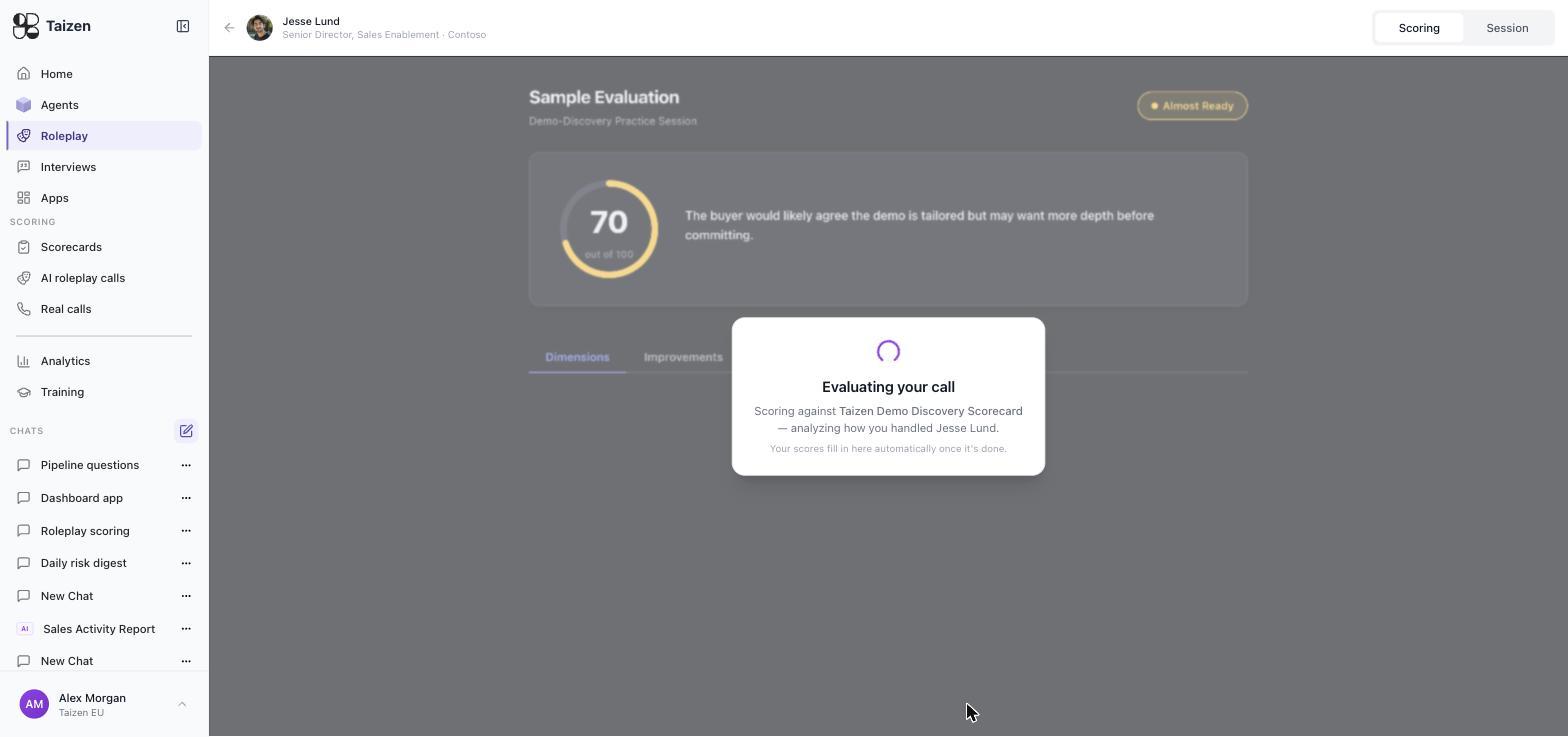
Hang up when the conversation reaches a natural close — you've secured a next step, or you've lost the room. You land straight on the session page while it scores: "Evaluating your call — scoring against <your scorecard> … your scores fill in here automatically once it's done." The session then appears under Scoring → AI roleplay calls.
A very short session may come back Not scored — there wasn't enough conversation to judge. That's not a failure state to worry about; run it again properly.
Replay and review
Every session is recorded and replayable with its transcript, so you can hear the moment an objection landed rather than reading a summary of it. See scores and feedback.
Troubleshooting
| Problem | Fix |
|---|---|
| Buyer can't hear you | Check the browser has microphone permission and the right input device is selected |
| Echo, or the buyer interrupts itself | You're on speakers — switch to a headset |
| Long pauses before the buyer replies | Network. Wired or a stronger Wi-Fi signal; close other video calls |
| Session ends immediately | Refresh and start again; if it recurs, check your browser is current |
| Session shows Not scored | It was too short to evaluate, or scoring is still running — reload after a moment |
| Score looks wrong | Read the evidence for each dimension before disputing it — how scoring works |
Don't run your first-ever session in front of your team. The first one is always awkward, for everybody.